
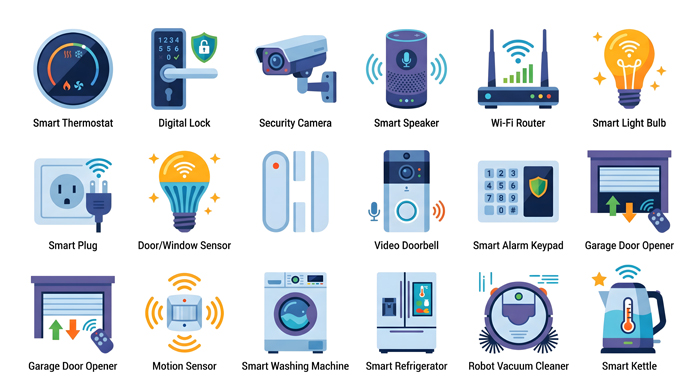
Smart devices were supposed to make life easier. Instead, many seniors — and the caregivers who support them — are drowning in notifications, updates, pop‑ups, and “helpful suggestions” that feel more like interruptions than assistance. The problem isn’t that seniors aren’t smart enough for modern tech. The problem is that modern tech often isn’t designed with them in mind.
The good news: you don’t have to throw the devices out. You just need to take back control.
Quiet Hours: The First Line of Defense
Most devices now allow “quiet hours” or “focus modes.” These settings silence non‑urgent notifications during certain times of day. For seniors, this can reduce stress, improve sleep, and prevent the constant startle response that comes from unexpected alerts.
A simple setup:
- Quiet hours from 9 p.m. to 8 a.m.
- Only allow calls from key contacts
- Silence app notifications entirely unless they serve a real purpose
This one change can make a home feel calmer instantly.
Voice Assistants: Simplifying, Not Complicating
Voice assistants can be overwhelming when they’re set up with dozens of skills and routines. But used intentionally, they can simplify daily life.
Try creating a single “Good Morning” routine that triggers:
- Lights on
- Weather report
- Medication reminder
- A short news briefing
And a “Good Night” routine that turns off lights, locks doors (if smart locks are installed), and plays calming music.
The goal is predictability, not novelty.
Digital Detox Zones: A Modern Necessity
Seniors benefit from having at least one room where screens, alerts, and smart speakers are not allowed. This helps with:
- Sleep
- Anxiety reduction
- Sensory overload
- Caregiver respite
A bedroom or reading nook makes an ideal detox zone.
Low‑Maintenance Tools That Don’t Fight Back
Not every solution needs Wi‑Fi, updates, or subscriptions. Some of the best tools for seniors are intentionally simple:
- E‑ink displays for reminders
- GrandPad for video calls and email
- Simplified remotes for TV and streaming
- Battery‑powered motion lights for nighttime safety
These devices do their job without demanding attention.
The Concept
Tech overload isn’t a senior problem — it’s a design problem. Caregivers can restore calm by reducing noise, simplifying routines, and choosing tools that support independence instead of overwhelming it. Smart homes should feel safe and predictable, not chaotic.
Part Two will explore why seniors feel overwhelmed in the first place — and how “helpful” tech quietly increases cognitive load.