
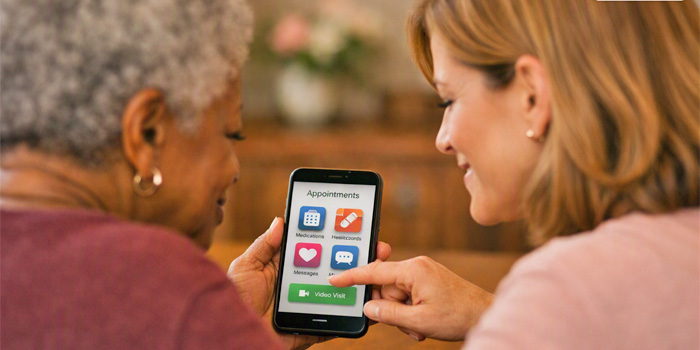
Medication routines can get complicated quickly — especially for seniors managing multiple prescriptions, dosage changes, and refill schedules. Families often step in to help, but even the most organized caregiver can feel stretched thin. That’s where medication apps come into play. These tools can simplify reminders, track doses, and give families peace of mind. The real question is: Which ones are actually worth using for seniors?
Focus on Ease of Use
For seniors, simplicity is everything. An app can have all the features in the world, but if the buttons are tiny or the screens are cluttered, it becomes more frustrating than helpful. Families should look for apps with large text, clear icons, and straightforward navigation. Seniors don’t need a full pharmacy dashboard — they need a clean, predictable routine.
Medisafe: The Most Senior-Friendly Option
Medisafe consistently ranks as one of the best medication apps for older adults, and for good reason. It uses a simple “pillbox” layout that mirrors what seniors already know. Reminders are easy to set, and the app gently alerts the user when it’s time to take a dose. Families can also receive notifications if a dose is missed, which adds an extra layer of safety. For seniors who feel anxious about technology, Medisafe’s calm, uncluttered design makes it a standout.
CareZone: Great for Families Who Coordinate Together
CareZone is designed with caregivers in mind. It allows families to store medication lists, dosage instructions, and doctor information in one place. The app includes refill reminders and a secure place to upload photos of prescription labels — a feature many seniors appreciate because it removes the fear of “typing something wrong.” CareZone is especially helpful for families managing multiple medications or coordinating care across siblings.
DoseCast: A Good Option for Seniors Who Prefer Simplicity
DoseCast is a lightweight app that focuses on one thing: reminders. It doesn’t try to be a full medical organizer, and that’s exactly why some seniors like it. The alerts are clear, the setup is quick, and the interface is uncluttered. For seniors who only need help remembering when to take their pills — not tracking refills or sharing information — DoseCast is a solid choice.
Built-In Phone Reminders: Don’t Overlook the Basics
Not every senior needs a dedicated medication app. Many do perfectly well with the built‑in reminder tools on their phone or tablet. A simple daily alarm labeled “Morning Meds” can be enough. Families should consider this option if the senior already uses their device comfortably and doesn’t want to learn something new. The best tool is the one they’ll actually use.
What Families Should Set Up First
Regardless of which app you choose, a few setup steps make all the difference:
- Enter medications using the exact names on the bottle
- Set reminders for times that match the senior’s natural routine
- Test the alert volume to ensure it’s loud enough
- Show the senior how to “check off” a dose
- Practice one full day together so the senior feels confident
These small steps reduce anxiety and build trust in the system.
The Bottom Line
Medication apps aren’t magic, but they can make daily routines smoother and safer. For seniors, the best app is the one that feels calm, predictable, and easy to use. For families, the best app provides visibility and peace of mind. When both sides feel supported, medication management becomes far less stressful — and far more reliable.